Build or Buy: 3 Push Notification Service Paths for Developers & PMs
A push notification service delivers messages from your server to a user’s device by routing payloads through OS-level push gateways like APNs and FCM, or a browser’s push endpoint. Teams reach for one whenever they need real-time alerts, transactional confirmations, or re-engagement nudges without depending on email or the user reopening the app. Your options fall into three buckets: build directly against the native OS APIs, use a managed notification hub, or route everything through a multichannel API that also handles email and SMS.
TL;DR:
- Managed notification hubs handle large-scale messaging and segmentation, making them suitable for scaling past a few hundred thousand devices.
- Direct API integration offers full control but requires significant engineering effort to manage platform-specific quirks and token lifecycle.
- Multichannel APIs unify push, email, and SMS for more effective cross-channel engagement, especially when your user base demands reliable reach.
- Payload size limits, token churn, and platform-specific retry rules are key technical challenges that impact delivery success and must be carefully managed.
- Critical alerts prioritize reliability over engagement metrics, requiring fallback channels and strict KPI tracking for delivery and escalation.
Table of Contents
- Types of Push Notifications: Mobile, Web, and Everything In Between
- How Push Notifications Actually Work, End to End
- Direct APIs, Notification Hubs, or Multichannel: Choosing Your Architecture
- Push Use Cases and the Metrics That Actually Matter
- Push Notification Best Practices and Evaluation Checklist
- Kello Solutions: What Real Push Implementation Looks Like
- When Push Stops Being a Utility and Becomes a Strategy
- Ready to Ship Push Without the Engineering Detour?
- Sources
- FAQ
Types of Push Notifications: Mobile, Web, and Everything In Between
Push splits into channels first, then into purpose. Mobile app push lives on the lock screen and notification tray on iOS and Android. Web push shows up through the browser, even when the site tab is closed, thanks to the W3C Push API subscription model. In-app messages are a third category entirely: they render inside an open app session and don’t need OS-level permission at all.
Purpose is the second axis, and it matters for both engineering and compliance:
- Transactional: order confirmations, password resets, one-time passcodes. These need near-guaranteed delivery.
- Marketing or engagement: cart abandonment nudges, promotional drops, win-back campaigns. These need opt-in and frequency discipline.
- System alerts: outage warnings, security notices, app-breaking bugs. Reliability outranks personalization here.
There’s also a structural distinction worth knowing: A2A (application-to-application) messages sync data between systems or devices silently, while A2P (application-to-person) messages are the ones a human actually sees and reacts to. Each channel carries its own permission model. iOS gates push behind an explicit prompt; browsers do the same for web push. Marketing messages should always ask permission progressively, after the user has seen value, not on page load.
How Push Notifications Actually Work, End to End
A push notification service follows the same skeleton regardless of vendor. Understanding each step helps you debug the inevitable “notifications aren’t arriving” ticket.
- Registration: the app or browser requests a token or subscription from the OS push service (APNs, FCM, or a browser endpoint under the W3C Push API spec).
- Storage: your backend saves that token against the user record, tagged with platform and any segmentation data.
- Send: your server (or a hub sitting in front of it) sends the payload to the correct gateway. APNs enforces strict payload size and device token lifecycle rules that senders must respect or risk silent drops.
- Delivery: the OS push service routes the payload to the device, which surfaces it per the platform’s UI rules.
- Feedback: successful sends and failures come back as delivery receipts, which you use to prune dead tokens.
Pro Tip: Token churn is one of the most underrated causes of falling delivery rates. Reinstalls, OS updates, and app deletions all invalidate tokens silently, so a service that never prunes its token table ends up “sending” a growing share of messages into the void.
Payloads have hard limits, TTL windows determine how long a gateway holds an undelivered message, and retry semantics vary by platform. None of this is optional reading if you’re building this layer yourself.
Direct APIs, Notification Hubs, or Multichannel: Choosing Your Architecture
You have three real paths, and all trades control for speed differently.
Direct integration with APNs and FCM gives you full control over payloads, retries, and token handling with zero vendor lock-in. The cost is engineering time: you’re building certificate management, token pruning, and platform-specific quirks from scratch, and maintaining it as both platforms evolve.
Managed notification hubs remove most of that burden. Azure Notification Hubs, for example, routes to APNs, FCM, and WNS from one API and scales to millions of devices with tag-based segmentation baked in. You give up some low-level control in exchange for not maintaining that infrastructure yourself.
Multichannel APIs go one step further, unifying push, email, and SMS behind a single call. That’s worth considering the moment your product needs cross-channel fallback, since a combined push, email, and SMS strategy tends to outperform push alone for actually reaching disengaged users.
- If you’re an MVP validating demand, start direct or with a lightweight hub. Don’t over-engineer before you have users.
- If you’re scaling past a few hundred thousand devices, a hub or multichannel platform earns its cost quickly.
- Migration between these tiers is easiest when you abstract your sending layer behind your own internal interface from day one.
Push Use Cases and the Metrics That Actually Matter
Different push jobs need different success metrics, and conflating them is a common PM mistake.
- Marketing and lifecycle campaigns: track click-through rate, conversion rate, and retention uplift against a control group. A campaign with a high open rate but no downstream conversion is vanity metrics dressed up as success.
- Transactional messages (OTPs, order updates): the metric that matters is delivery latency and completion rate, not engagement. These need near-guaranteed delivery, so build retry logic accordingly.
- Engagement and retention nudges: segment by behavior, not just demographics. A cart-abandonment message sent two hours after browsing outperforms a generic daily digest almost every time.
- System or safety alerts: reliability and escalation paths matter more than open rates. If a critical alert fails silently, you need a fallback channel, not a retry counter.
Push Notification Best Practices and Evaluation Checklist
Whether you’re auditing your current setup or picking a new push notification service, run it against these criteria before committing:
- Scalability: can it handle your peak send volume without throttling or queuing delays?
- Reliability and SLAs: what delivery guarantee does the vendor actually commit to in writing?
- Observability: can you see delivery rate, failure rate, and token churn in real time, not just aggregate opens?
- SDK maturity: does the SDK support your platforms without duct-taped workarounds?
- Pricing model: per-message, per-device, or tiered by monthly active users?
- Data ownership: do you retain export rights on subscriber and event data if you switch providers?
On privacy, minimize permission prompts and ask progressively, after value is shown, not on first launch. Respect quiet hours and frequency caps. On message design, keep payloads lean, test deep links on every OS version you support, and localize strings rather than hardcoding English copy.
| Evaluation criteria | Scalability | Platform reach (APNs/FCM/web) | Ease of integration / SDK | Delivery observability | Pricing model |
|---|---|---|---|---|---|
| Direct OS integration | Depends entirely on your own infrastructure | Full, but built manually per platform | Lower; more upfront engineering | You build it yourself | No vendor fee, but engineering cost |
| Managed notification hub | High, built for scale out of the box | Broad, unified API across platforms | Higher; mature SDKs | Built in, tag-based segmentation | Usage-tiered vendor pricing |
| Multichannel API | High, spans channels beyond push | Push plus email and SMS | Higher; single integration point | Cross-channel reporting | Per-channel or bundled pricing |
Kello Solutions: What Real Push Implementation Looks Like
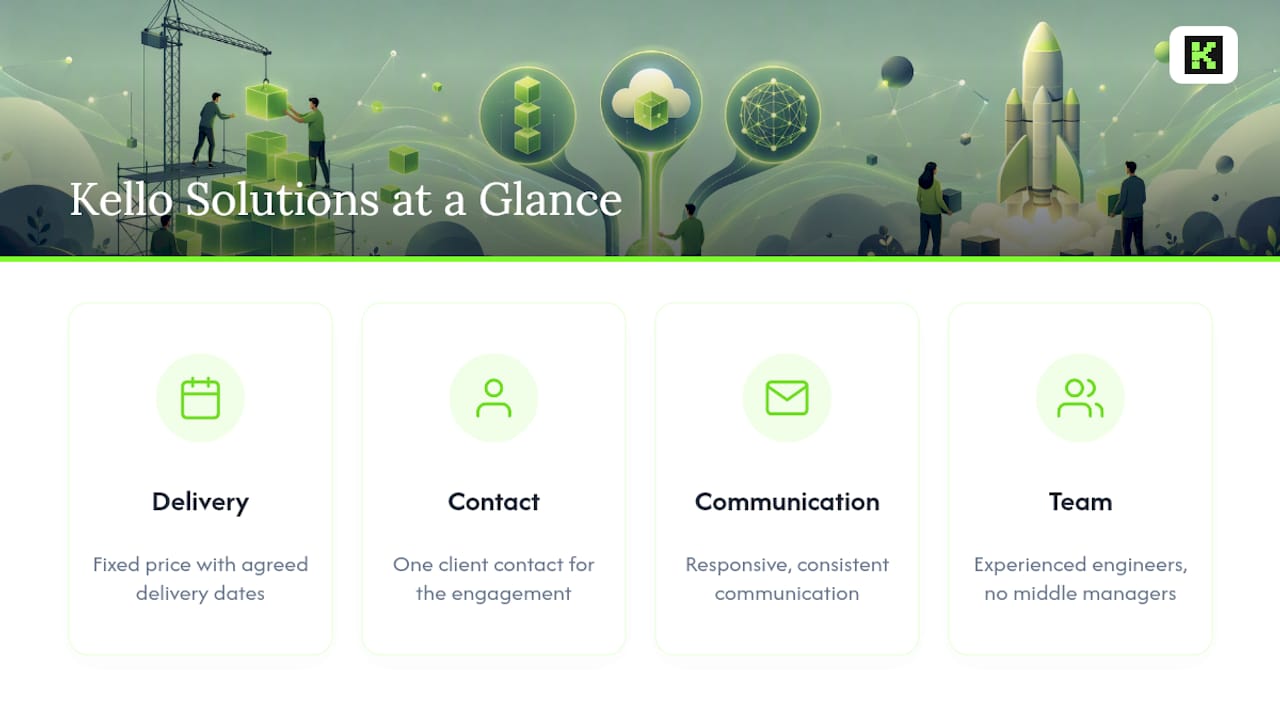
Kello Solutions builds mobile apps, backends, and SaaS products with upfront-agreed delivery dates and fixed prices. Clients have a single contact throughout the engagement, and the studio aims to maintain responsive and consistent communication. Projects are handled by experienced engineers without intermediary management layers. The PetCare | Daily Reminder app is a shipped example of timely notifications built into a real product, not a hypothetical case study.
When Push Stops Being a Utility and Becomes a Strategy
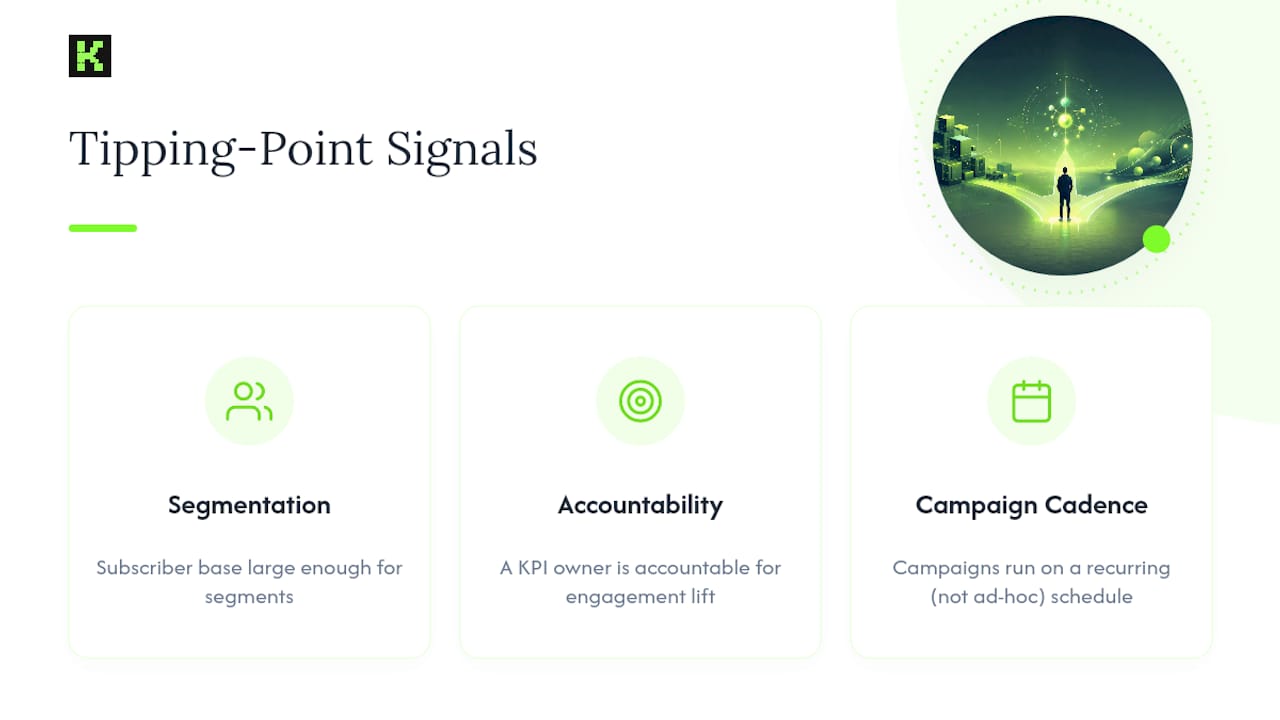
Most teams treat push as plumbing until it isn’t. The tipping point usually shows up as three signals at once: your subscriber base is large enough that segmentation matters, a KPI owner is actually accountable for engagement lift. Campaigns run on a recurring schedule rather than ad hoc sends. At that point, DIY starts costing more in engineering hours than it saves in vendor fees.
The trade-off isn’t build versus buy. It’s build versus operate. A multichannel strategy that spans push, email, and SMS demands ongoing tuning that a small team often can’t sustain alongside its core roadmap. If your push volume, campaign cadence, and revenue attribution have all grown past “nice to have,” that’s your signal to bring in a partner rather than keep patching an internal tool.
— Ints
Ready to Ship Push Without the Engineering Detour?
If you’d rather hand the token management, gateway integration, and delivery monitoring to someone else, Kellosolutions builds push-enabled apps and backends under fixed-price contracts with senior engineers handling the entire build, not junior staff behind a project manager.
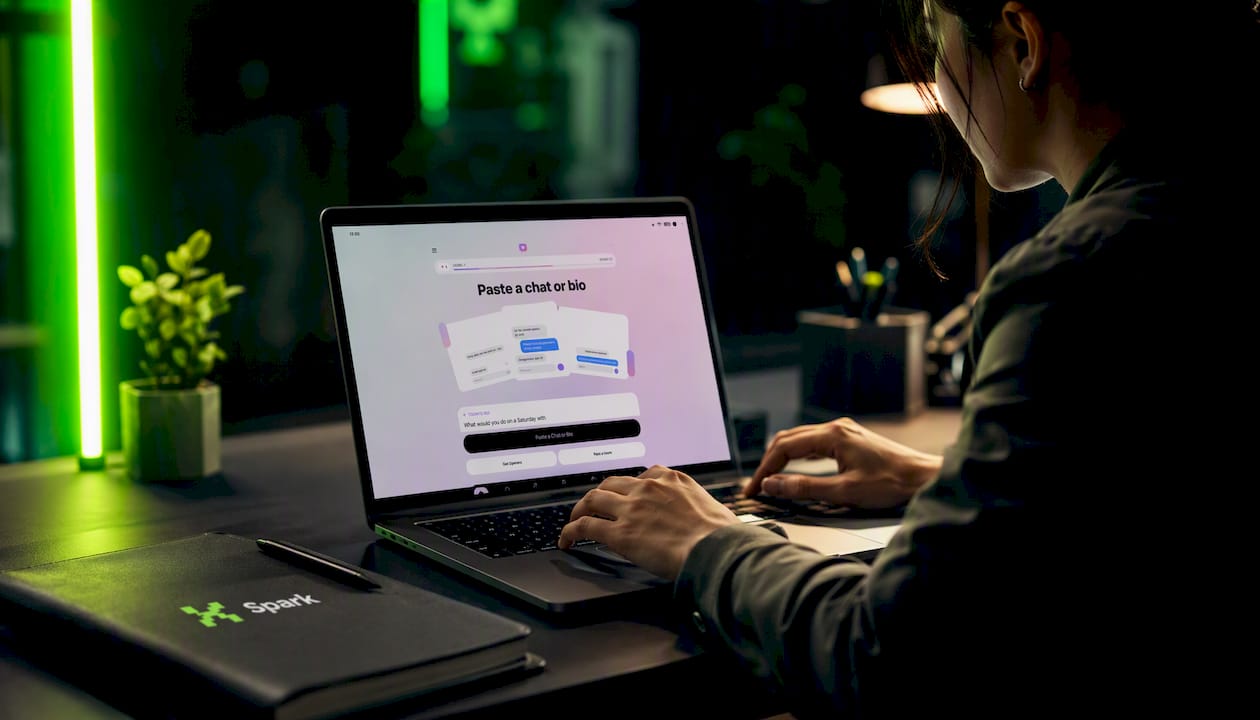
Every project ships with a set delivery date agreed before work starts, so you know your launch window without chasing status updates. Explore the full services lineup for mobile, backend, and SaaS builds, or check out Spark: Dating Assistant as a live example of a shipped, notification-driven product. Need something faster and smaller? The MVP builder gets a push-ready prototype live for a one-time fee charged by the publisher. Start with a discovery call or request a quote through the services page to get a fixed price and delivery date in writing.
Sources
For implementation-level detail beyond what any single provider tells you:
- Apple Push Notification service — Wikipedia
- OneSignal Alternatives: Data-Backed Comparison of Push Platforms — Statsig
FAQ
What Is the Best Free Push Notification Service?
Free tiers exist across most managed push platforms, but “free” usually caps at a device or message volume threshold before you hit paid pricing. For teams just validating an MVP, starting with a free tier or a lightweight direct integration against APNs and FCM is often more cost-effective than committing to a paid platform too early.
How Much Does a Push Notification Service Typically Cost?
Pricing models vary by vendor: some charge per device, others per message sent, and some bundle push into a broader multichannel plan. Kello Solutions doesn’t sell push notification subscriptions directly, but its MVP builder delivers a push-ready app prototype for $89 one-off, and custom builds are quoted through the services page.
Where Do Push Notifications Appear on My Phone?
On mobile, push notifications appear on the lock screen, in the notification tray, and as banner alerts depending on OS settings. On the web, they surface through the browser even when the site isn’t open, using the subscription model defined in the W3C Push API.
What Are the Top Categories of Push Notification Services?
Providers fall into three categories: direct OS integrations against APNs and FCM, managed notification hubs like Azure Notification Hubs that handle scale and segmentation, and multichannel APIs that unify push with email and SMS. Which category fits best depends on your team’s engineering capacity and campaign complexity, not just brand recognition.